
|
|
WELCOME TO
|
||

|
||
|
Changing Login Settings Users have the ability to change whether or not PBSE automatically logs them in or not. This setting can be changed by clicking on the "SE" icon in the top left corner of the project portal and selecting "Options". Once a new window pops up simply uncheck the remember me box. 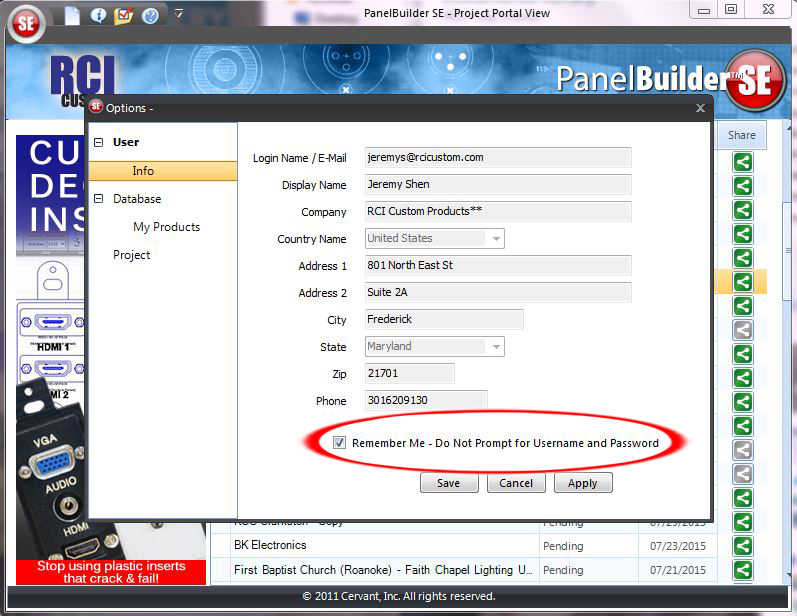
Resetting Password
Have a suggestion for upgrades? We want to hear it! |