
|
|
WELCOME TO
|
||

|
||
|
Action Tools Connectors may be aligned with one another horizontally or vertically, or distributed evenly between the far left and far right connector in any layout by using the Distribute and Align buttons in the Action Tool section on the work space. 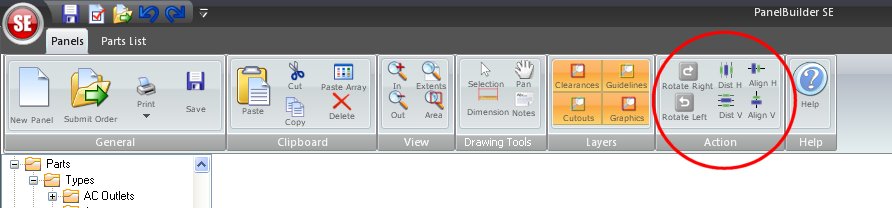 - Select the connectors to be aligned or distributed either individually or as a group
Watch the below video to learn how to align text & connectors Watch the below video to learn how to distribute connectors
Have a suggestion for upgrades? We want to hear it! |