
|
|
WELCOME TO
|
||

|
||
|
Adding Panels & Parts PBSE give you two options for adding panels and connectors. 1 - Drag any folder to the application workspace and use the Product Selection box to drill down on panels, parts or graphic options. This options allows you to quickly view part numbers and descriptions. 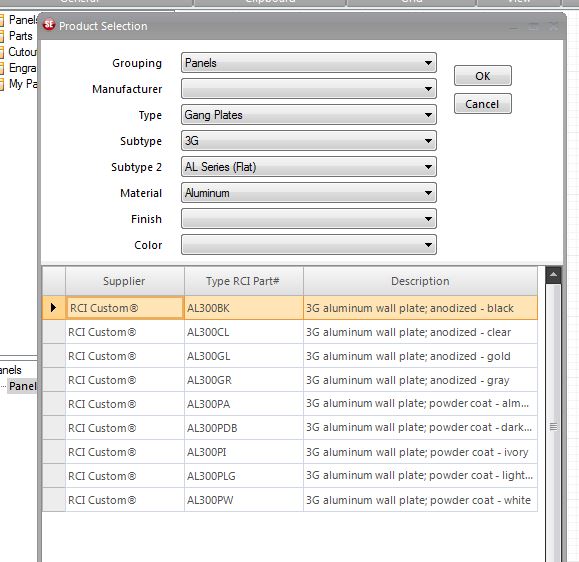 2 - Open folders in the Product Tree by clicking the " + " on any folder to expand to an item. 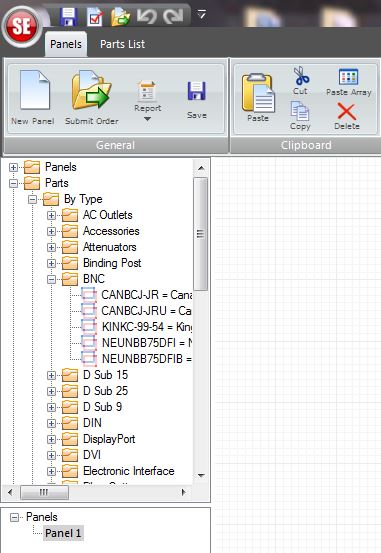 A quick introductory video on available funtionality of the work screen, where all panels are designed. Have a suggestion for upgrades? We want to hear it! |